
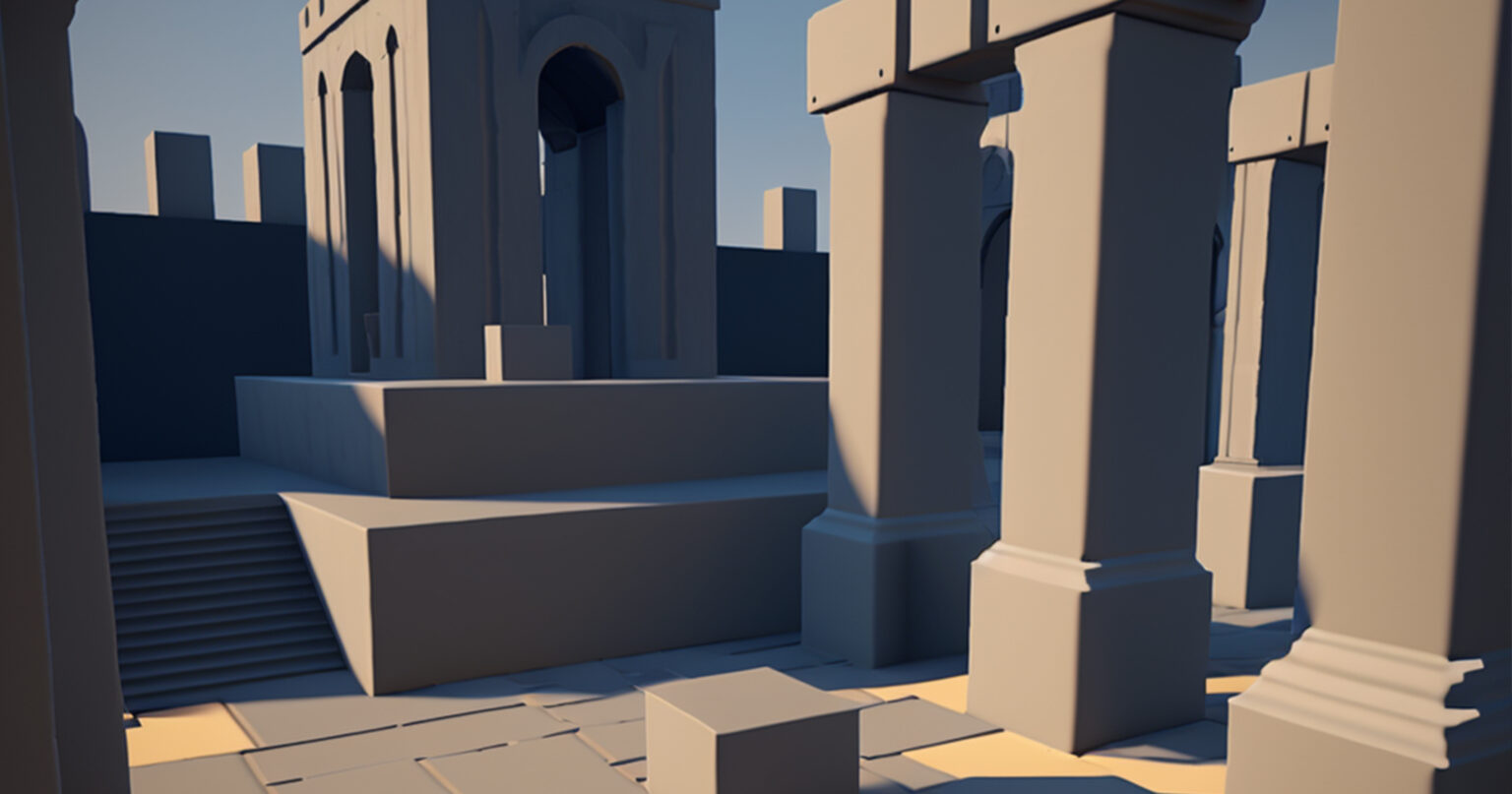
Designing level prototypes is a crucial step in the development of video games, allowing developers to visualize and fine-tune gameplay elements before investing significant resources into full-scale production.
In today’s digital age, a wide range of services are available that empower designers and developers to bring their ideas to life. In this article, we will explore some of the leading services for creating level prototypes, highlighting their features, and benefits, and providing a step-by-step guide on how to use them effectively.
It is important to note that this guide will be more attractive to beginner specialists and those simply interested in game development.
Unity Engine
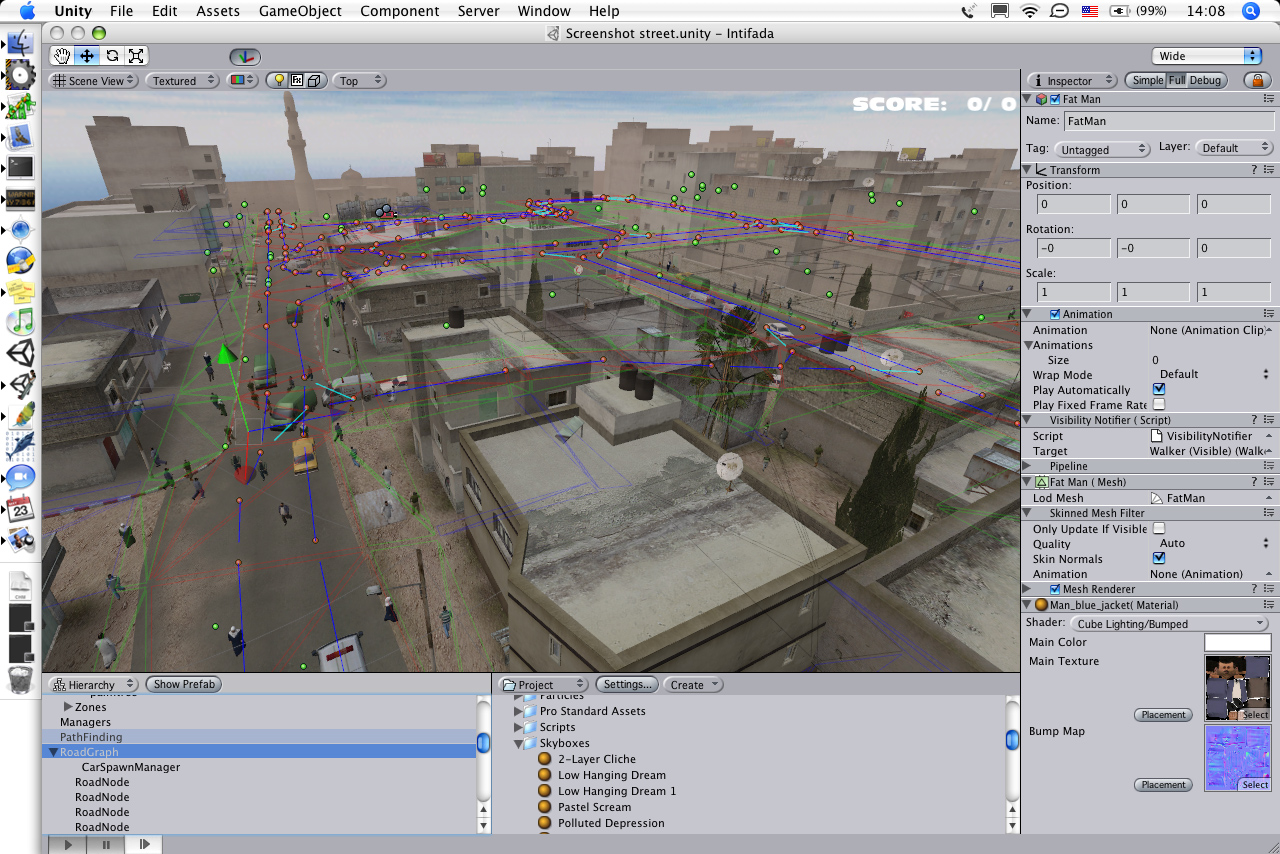
Unity Engine is a popular and robust game development platform that offers a comprehensive set of tools for level prototyping. With its user-friendly interface and extensive documentation, Unity is an excellent choice for both beginners and experienced developers.
Here are some of the key features and benefits:
- Asset Store: Unity’s Asset Store provides a vast collection of pre-built assets, including 2D and 3D models, textures, sound effects, and more. This saves designers valuable time and allows them to focus on creating unique gameplay experiences.
- Visual Scripting: Unity’s visual scripting system, Playmaker, enables designers to create interactive prototypes without writing a single line of code. It uses a node-based interface, making it intuitive and accessible for designers with little programming experience.
- Real-Time Collaboration: Unity Collaborate allows team members to collaborate on a project simultaneously, streamlining the prototyping process and enhancing teamwork and communication.
How to use Unity Engine for level prototyping:
- Download and install the latest version of Unity from the official website.
- Familiarize yourself with the interface and essential functions by following Unity’s beginner tutorials.
- Import assets from the Asset Store or create your own using Unity’s built-in tools.
- Use Unity’s scene editor to construct the levels, place assets, define gameplay mechanics, and implement interactions.
- Test and iterate on your prototype, making adjustments as needed.
- Once satisfied with your level prototype, export it to the desired platform or continue development within Unity.
Unreal Engine
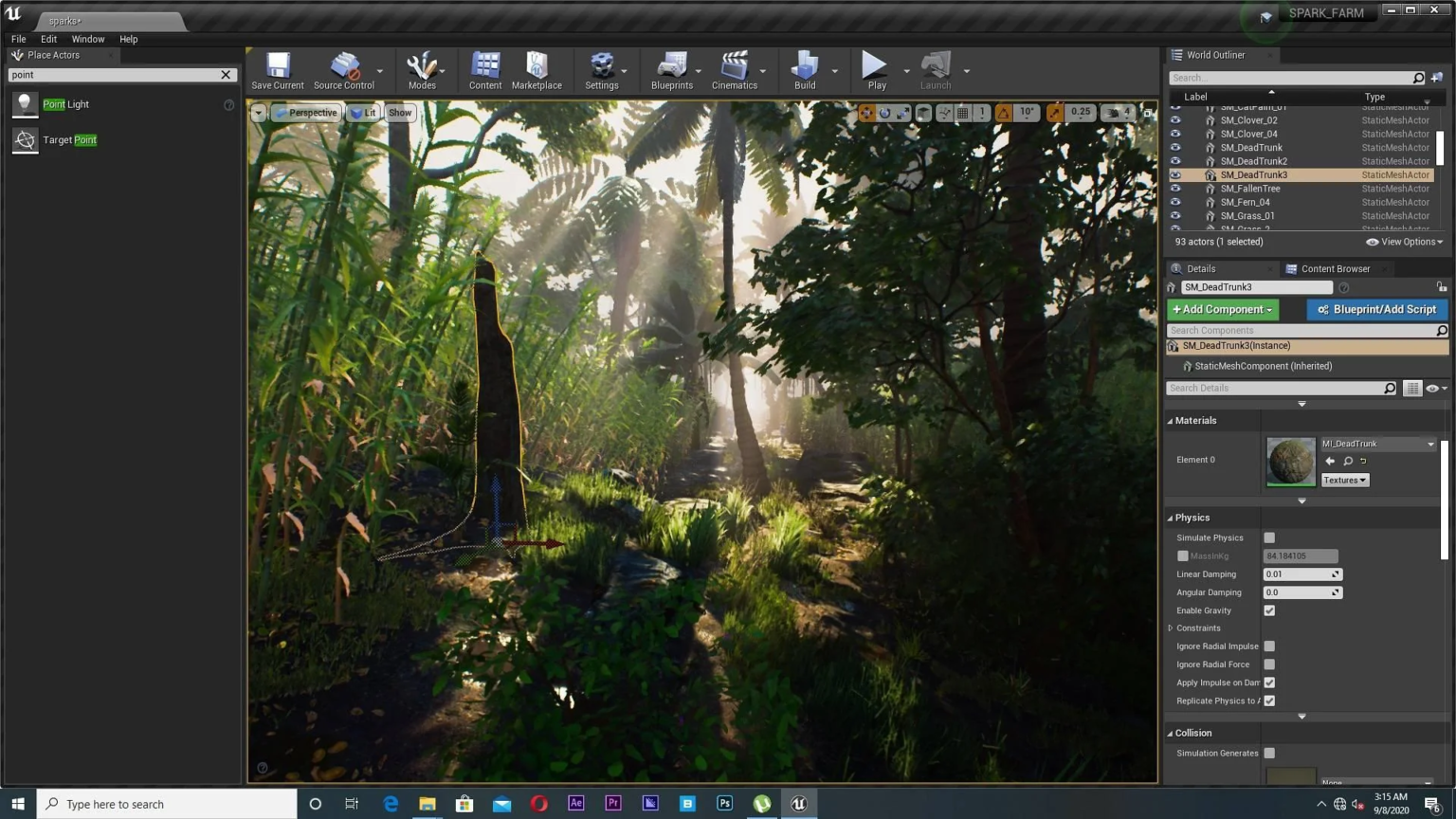
Unreal Engine, developed by Epic Games, is another industry-leading game development platform renowned for its powerful features and stunning visual capabilities.
Here’s why Unreal Engine is an excellent choice for level prototyping:
- Blueprint Visual Scripting: Unreal Engine’s Blueprint system allows designers to create complex gameplay mechanics using a node-based visual scripting interface. This empowers designers to experiment and iterate on gameplay ideas quickly.
- Realistic Graphics: Unreal Engine’s advanced rendering capabilities, including real-time ray tracing, provide designers with the ability to create visually impressive level prototypes that closely resemble the final product.
- Marketplace: The Unreal Marketplace offers a vast selection of high-quality assets, including environments, characters, and effects, accelerating the prototyping process and allowing designers to focus on refining gameplay.
How to use Unreal Engine for level prototyping:
- Download and install Unreal Engine from the official website.
- Familiarize yourself with the interface and essential tools through online tutorials and documentation.
- Import assets from the Unreal Marketplace or create custom assets using third-party software or Unreal Engine’s built-in tools.
- Use the level editor to assemble your prototype’s environment, place assets, define gameplay logic, and set up interactions.
- Test your prototype within the Unreal Engine editor and iterate on the design based on feedback and observations.
- Once satisfied with your level prototype, export it to the desired platform or continue development within Unreal Engine.
Sketchfab
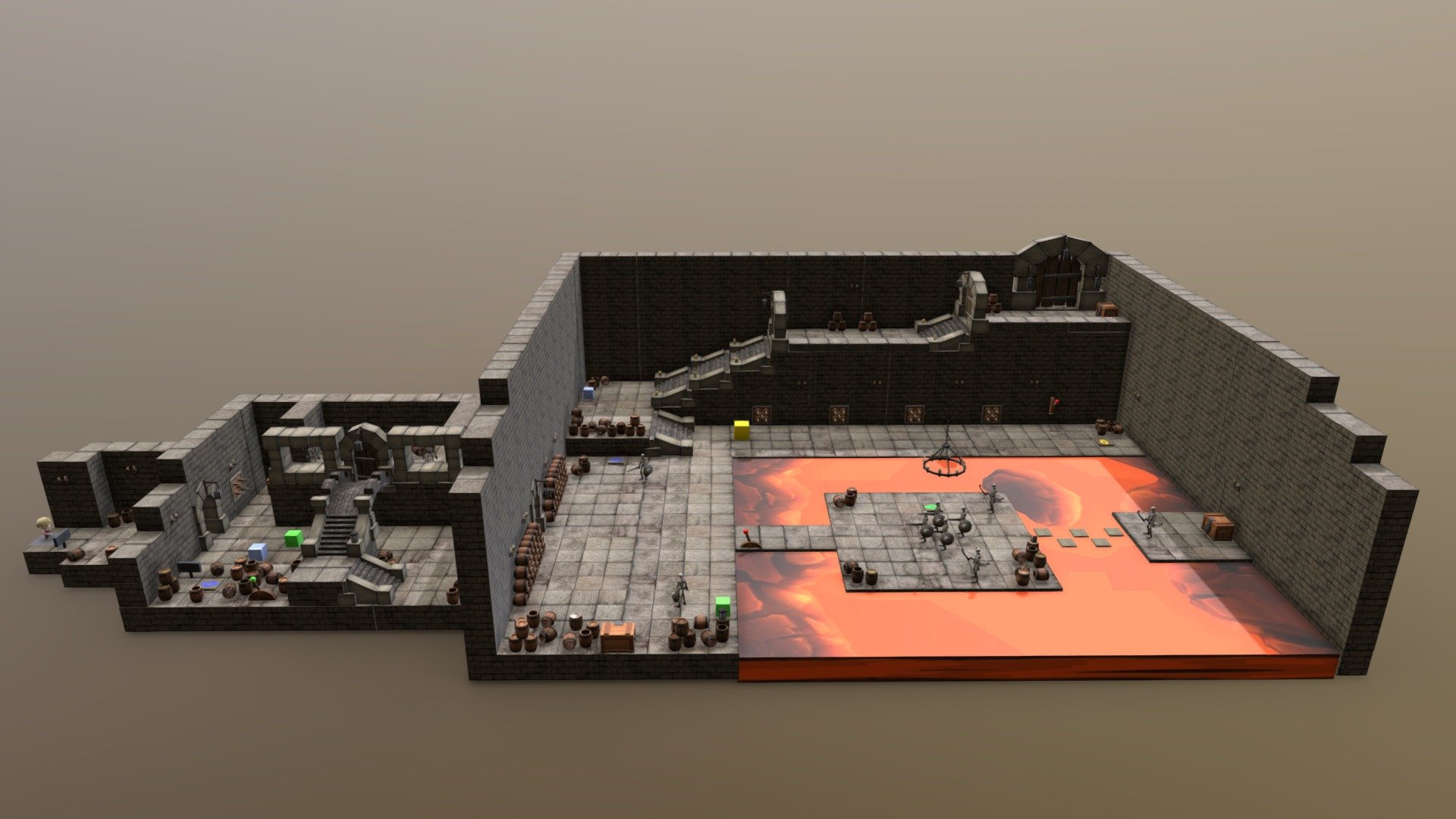
While Unity and Unreal Engine focus on game development, Sketchfab offers a web-based platform specifically designed for 3D modeling and visualization.
Here’s why Sketchfab stands out for level prototyping:
- Web-Based Visualization: Sketchfab allows designers to upload their 3D models and create interactive 3D scenes that can be shared and accessed from anywhere with an internet connection. This makes it easy to collaborate and gather feedback from team members or clients.
- Annotation and Interaction: Sketchfab enables designers to add annotations and interactive elements to their 3D scenes, providing a rich experience for users who can explore and interact with the level prototype.
- Embedding and Integration: Sketchfab provides embed codes that allow you to showcase your level prototypes on websites, portfolios, or even within development blogs, enhancing visibility and accessibility.
How to use Sketchfab for level prototyping:
- Sign up for a Sketchfab account on their website.
- Create or import your 3D models into Sketchfab’s platform.
- Customize the appearance and settings of your scene, such as lighting, materials, and interactions.
- Add annotations or interactive elements to guide users through the level prototype.
- Share your level prototype by generating a unique link or embedding it on websites and other platforms.
Tiled
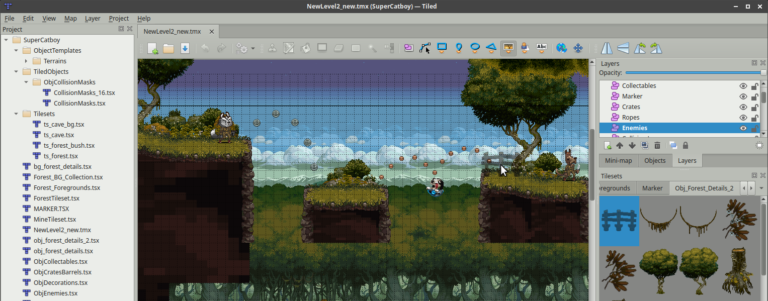
Tiled is a powerful and versatile level editor that provides a simple yet robust framework for creating level prototypes.
It offers the following features and benefits:
- Intuitive Interface: Tiled boasts an easy-to-use interface, making it accessible to both beginners and experienced designers. Its user-friendly layout allows for quick navigation and effortless level creation.
- Tile-based Mapping: Tiled is primarily built for tile-based mapping, making it ideal for creating 2D levels. It provides a wide range of pre-designed tiles that can be easily placed and manipulated, enabling rapid-level prototyping.
- Layer Support: Tiled allows you to work with multiple layers, facilitating the organization and management of different elements in your level prototype. This feature helps create depth, and interactive elements, and enables better control over the design.
How to use Tiled for level prototyping:
- Download and install Tiled from the official website (https://www.mapeditor.org/).
- Familiarize yourself with Tiled’s interface and basic functions by exploring the provided documentation and tutorials.
- Create a new project and define the dimensions and properties of your level.
- Use the tileset editor to import or create custom tiles that suit your game’s visual style.
- Begin drawing your level prototype by placing tiles onto the canvas, utilizing different layers for various elements such as backgrounds, platforms, and obstacles.
- Experiment with different tile combinations, test gameplay mechanics, and iterate on your level design as needed.
- Export your level prototype in a format compatible with your game engine or development environment.
Procreate
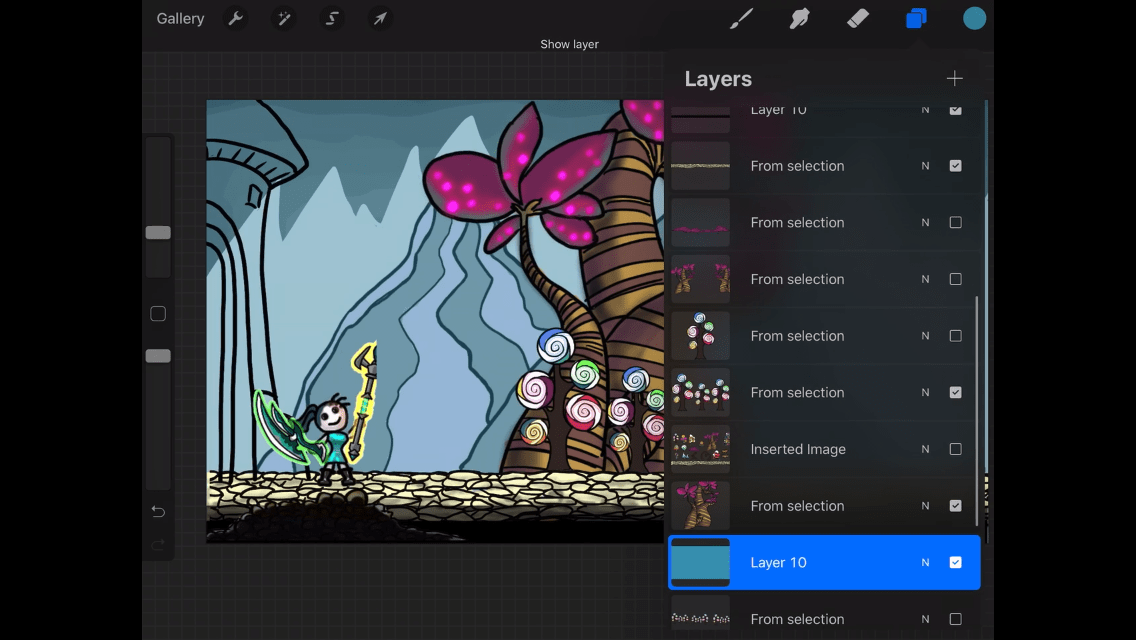
Procreate is a widely popular digital art and design application for iOS devices, renowned for its powerful drawing capabilities. While primarily used for creating artwork, Procreate can also serve as an excellent tool for drawing-level prototypes.
Here are some of its key features and benefits:
- Rich Drawing Tools: Procreate offers a vast array of brushes, pens, and tools that allow you to create intricate and detailed-level designs. It provides a realistic drawing experience, enabling designers to capture their ideas with precision.
- Layer System: Procreate’s layer system allows you to work with multiple layers, providing flexibility in organizing and manipulating various elements of your level prototype. This feature enables efficient editing and iteration.
- Customizable Canvas: Procreate offers customizable canvas sizes and aspect ratios, ensuring that your level prototype fits your desired specifications. It also supports high-resolution outputs, facilitating seamless integration into your game development pipeline.
How to use Procreate for level prototyping:
- Install Procreate from the App Store on your iOS device.
- Familiarize yourself with Procreate’s interface and basic drawing tools through the available tutorials and resources.
- Create a new canvas with the desired dimensions and settings for your level prototype.
- Utilize the drawing tools, brushes, and layers to sketch out your level design, considering gameplay mechanics, obstacles, and environmental elements.
- Experiment with different color schemes and visual styles to establish the desired atmosphere and aesthetics for your game.
- Refine and iterate on your level prototype by adjusting elements, adding details, and incorporating feedback from teammates or playtesters.
- Export your level prototype as an image file and integrate it into your game development workflow or share it with the relevant stakeholders.
Adobe Photoshop
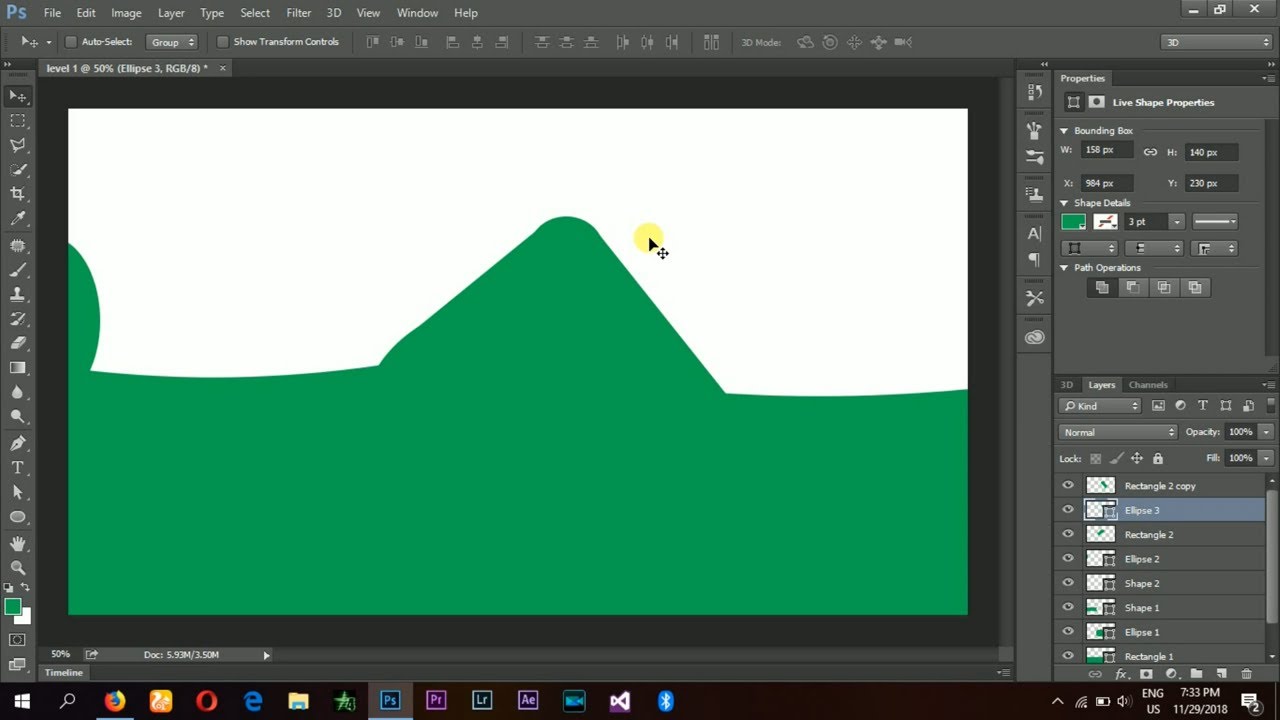
Adobe Photoshop, a renowned industry-standard software for image editing and manipulation, can also be utilized for drawing-level prototypes.
Here are the features and benefits that make it a valuable tool:
- Extensive Drawing Tools: Photoshop offers a comprehensive range of drawing tools, brushes, and customizable settings, allowing you to create intricate and detailed-level designs. Its versatility enables both 2D and 3D level prototyping.
- Layer Management: Photoshop’s robust layer system provides a powerful way to organize different elements of your level prototype. This feature allows for easy editing, experimentation, and iteration on specific parts of the design.
- Integration with Other Adobe Creative Suite Apps: Photoshop seamlessly integrates with other Adobe Creative Suite applications, such as Adobe Illustrator and Adobe After Effects, enabling a smooth workflow and enhancing the level of detail and complexity you can achieve.
How to use Adobe Photoshop for level prototyping:
- Install Adobe Photoshop from the official Adobe website and familiarize yourself with its interface and basic functionalities.
- Create a new canvas with the desired dimensions and resolution for your level prototype.
- Use Photoshop’s drawing tools, brushes, and layers to sketch out your level design, considering gameplay mechanics, visual elements, and environmental details.
- Leverage Photoshop’s layer system to separate different aspects of your level prototype, such as backgrounds, platforms, and interactive objects.
- Experiment with color schemes, textures, and visual effects to enhance the atmosphere and aesthetics of your level.
- Refine and iterate on your level prototype by adjusting elements, adding finer details, and incorporating feedback from colleagues or playtesters.
- Save or export your level prototype in a suitable format, such as PNG or PSD, for further integration into your game development pipeline.
Conclusions
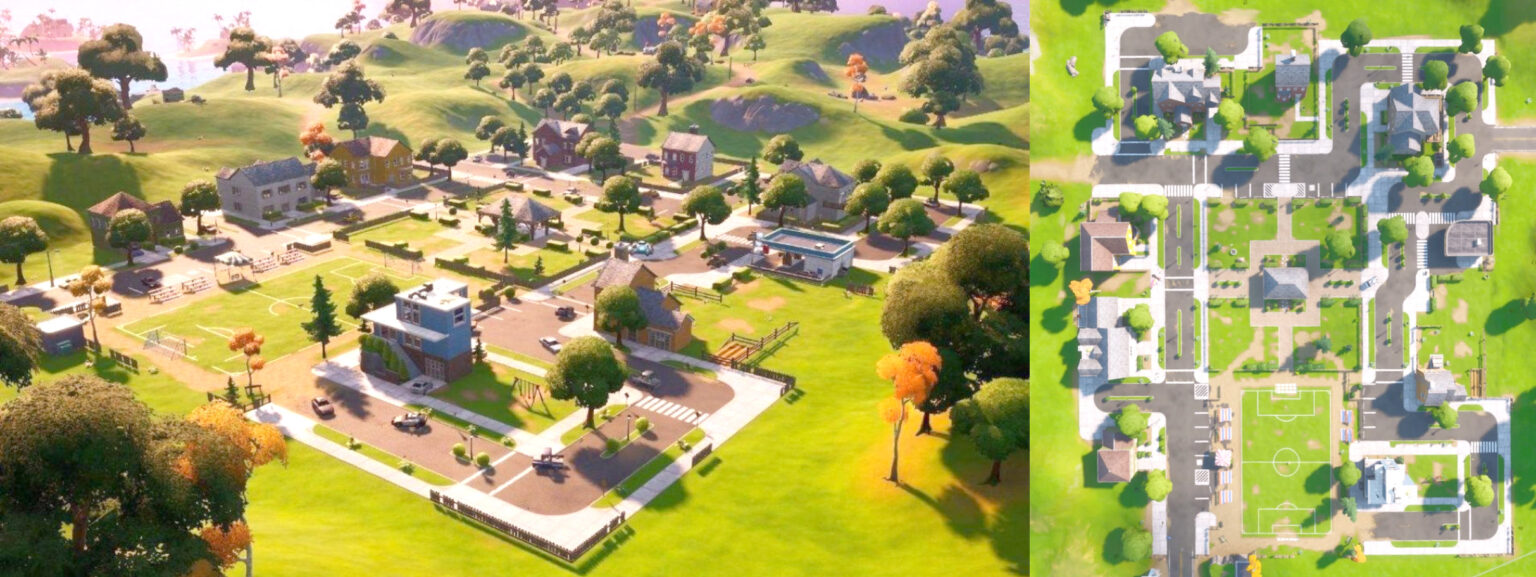
Level prototyping is a vital part of the game development process, allowing designers and developers to refine gameplay mechanics and iterate on their ideas before committing resources to full-scale production. The services mentioned in this article, including Unity Engine, Unreal Engine, Sketchfab, Tiled, Procreate, and Adobe Photoshop, provide powerful tools and features that simplify the level prototyping process and enhance collaboration.
Whether you choose Unity Engine with its vast asset store and visual scripting capabilities, Unreal Engine with its realistic graphics and powerful Blueprint system, or Sketchfab for web-based 3D visualization and sharing, each service offers unique advantages to cater to different project requirements and individual preferences.
Tiled, with its tile-based mapping and layer support, simplifies the creation of 2D-level prototypes. Procreate offers powerful drawing tools, a versatile layer system, and high-resolution outputs, making it an excellent choice for creating detailed-level designs on iOS devices. Adobe Photoshop, with its extensive drawing capabilities, layer management, and integration with other Adobe Creative Suite apps, provides a robust solution for both 2D and 3D level prototyping.
By leveraging these cutting-edge services, designers and developers can unlock their creativity, streamline the prototyping process, and ultimately create captivating gaming experiences that engage players and bring their visions to life.