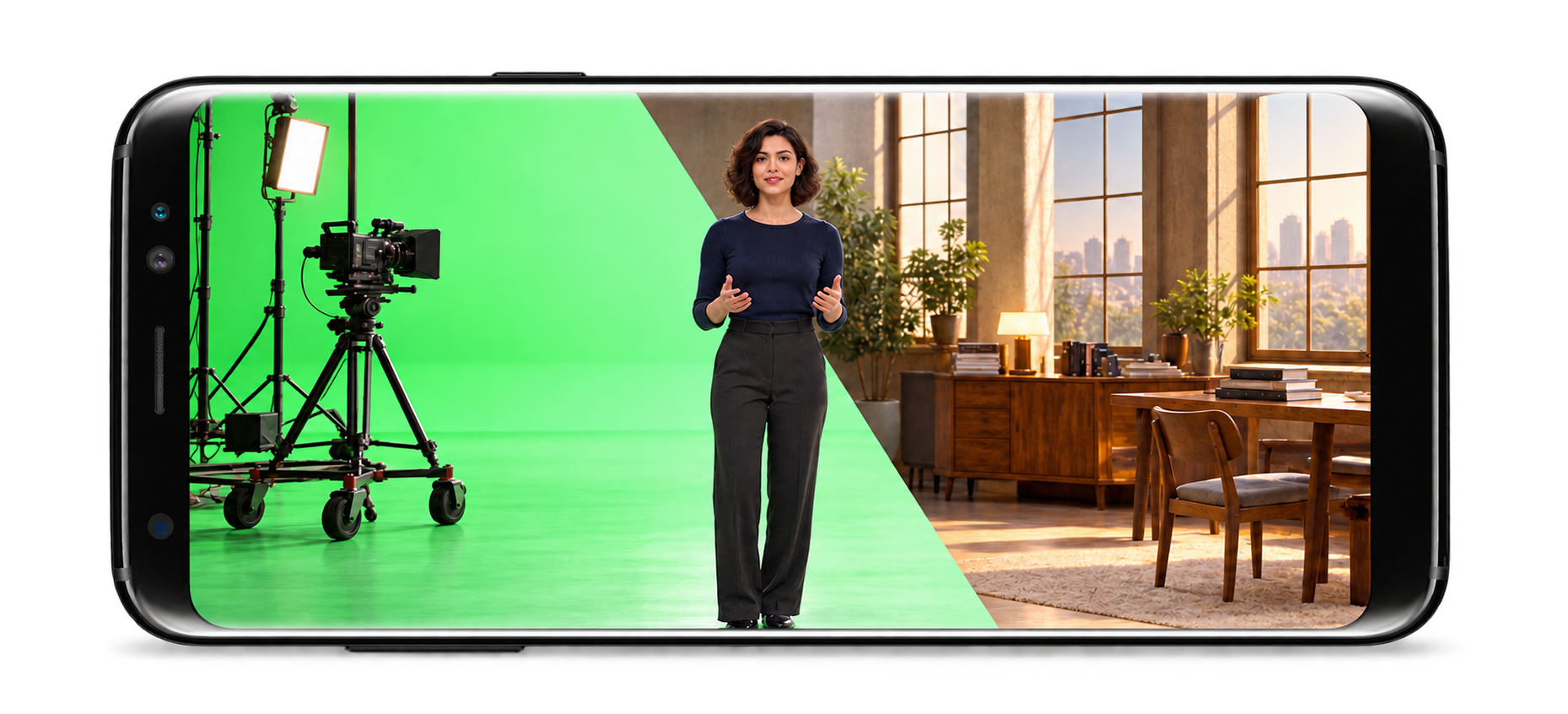
Turn an Android device into a virtual camera, joystick or custom controller for Unreal Engine. Build real-time interactions in the editor and in packaged Android and PC projects.
Use an ARCore-capable Android device with the app and the Unreal Engine plugin. Requirements, connection steps and controls are covered in the documentation.
Device → Unreal Engine
Position, rotation & input
Virtual App sends the Android device’s motion to the PC. Virtual Plugin uses that input to drive cameras, objects and Blueprints in the scene.
Unreal Engine → Device
Scene video streaming
The plugin streams the PC scene view to the device, connecting the physical controller with the real-time result.
Virtual Camera & joystick
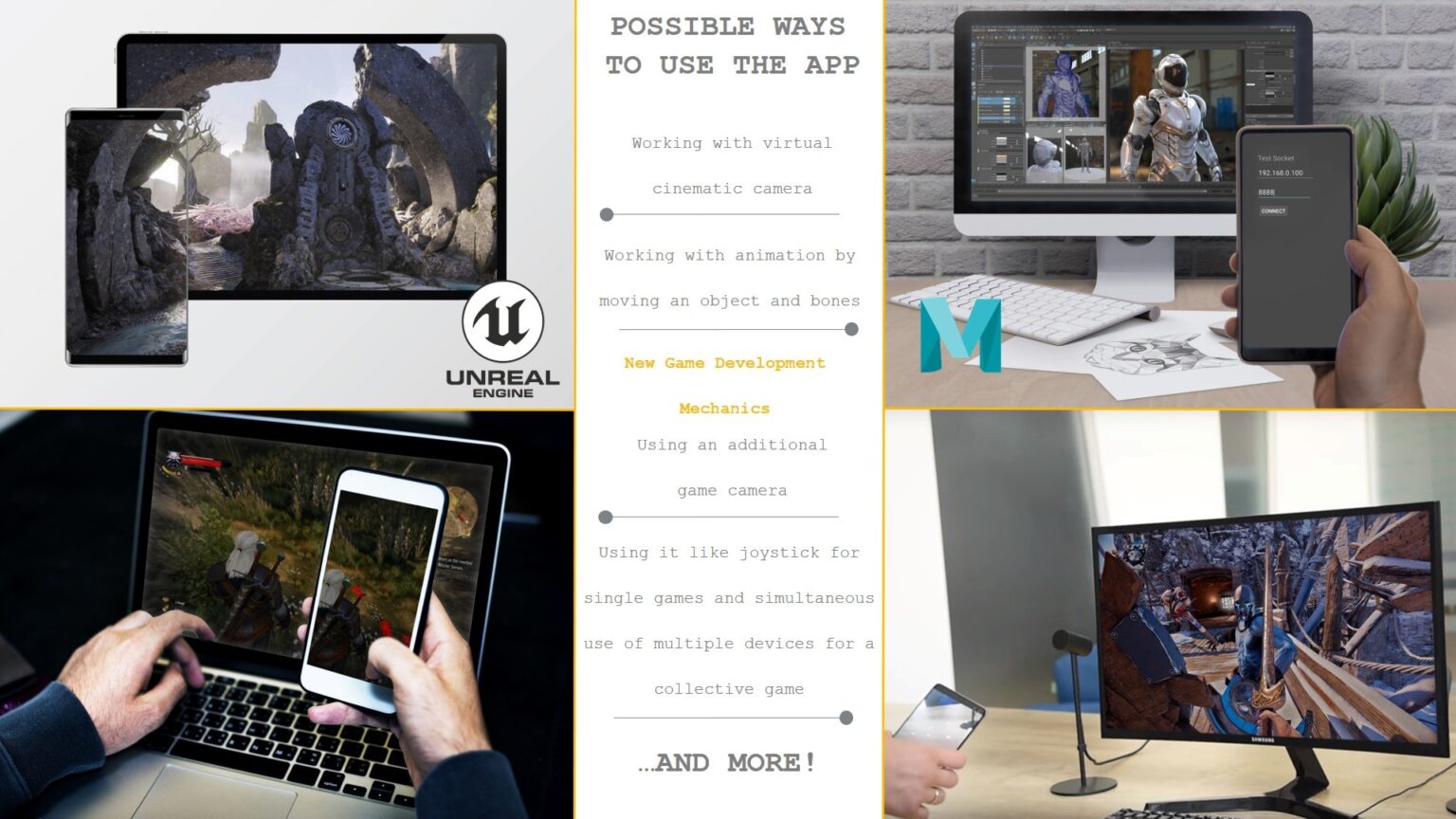
This technology allows you to turn Android devices into a virtual joystick as a virtual camera which will be useful for designers and developers who create new game mechanics and work with models and cinematics.
Scene objects & Blueprints
The plugin allows to use of any objects in the scene, including all blueprints, cameras, etc., and moving them in real-time in the game scene using the Virtual App, which transfers the movement and rotation data of an Android device in space.
ARCore motion tracking
The Virtual App enables a user to drive a Camera and Objects using an Android device in a virtual production environment. With ARCore the position and rotation of the Android device are broadcast wirelessly to the PC.
Game-design input
This technology allows you to turn Android devices into virtual joystick, which will be useful for game designers.
Original product demonstrations
Camera, controller & nDisplay in use
Android phone as a virtual-production tracker
See how an Android phone’s position and rotation can drive a virtual camera in Unreal Engine.
Virtual joystick in Unreal Engine
Use a mobile device to move scene objects and test controller input in Unreal Engine.
Virtual production in Unreal Engine 4/5
Use an Android device for scene viewing and camera control in Unreal Engine 4/5.
nDisplay In-Camera VFX
See an Android device used with an nDisplay scene for in-camera visual effects.
The original articles and demonstrations are preserved here with their publication dates. Engine workflows, integration plans and availability statements belong to that historical context. For current setup and compatibility, use the documentation and Fab listing above.
Virtual Production in your Android device Unreal Engine 4/5
This technology allows you to turn Android devices into a virtual joystick, as well as into a virtual camera, which will be useful for designers and developers who create new game mechanics and work with models and game cameras.
For local Video Streaming, we use our streaming system which works in Play Editor and can be used with Sequence Recorder. For remote Video streaming, we are using Pixel Streaming Plugin and it works only in a Standalone Game and in a compiled project.
The plugin allows to use of any objects in the scene, including all blueprints, cameras, etc. and moves them in real-time in the game scene using the Virtual App, which transfers the movement and rotation data of an Android device in space.
Virtual App turns your device into a virtual joystick and virtual camera
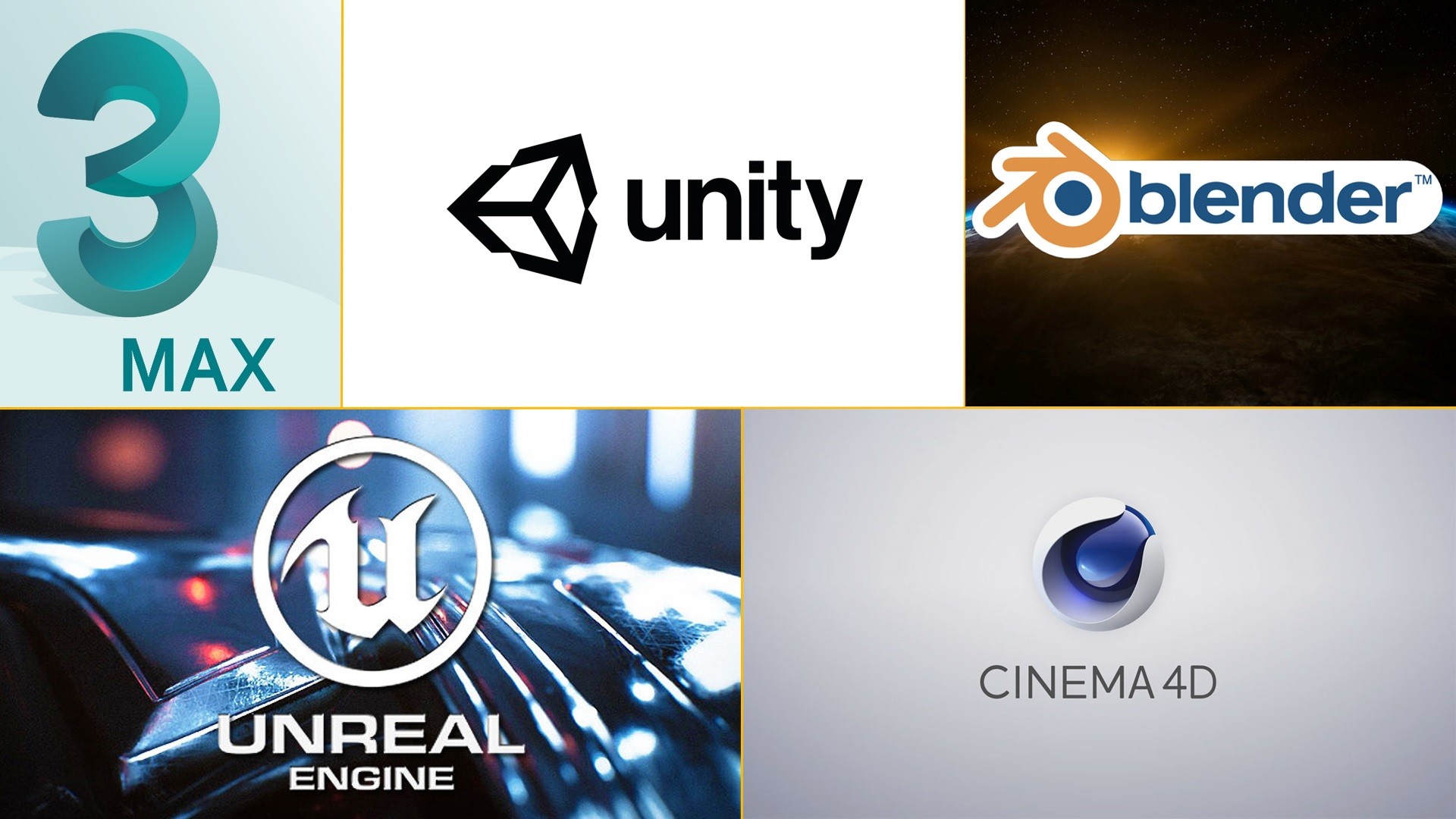
We developed Virtual App to transmit and receive data of device location in the space between the device and PC – it is used in conjunction with our Virtual Plugin. The change of position and rotation of the Android device is broadcasted wirelessly to the PC using ARCore. It is already implemented on Unreal Engine 4 and will also be integrated into Unity, Maya, Blender, and Cinema 4D.
The plugin allows
to use any objects in the scene, including all blueprints, cameras, etc. and
move them in real-time in the game scene using the Virtual App, which transfers
the movement and rotation data of an Android device in space.
This technology allows you to turn Android devices into a virtual joystick, as well as into a virtual camera, which will be useful for designers and developers who create new game mechanics and work with models and game cameras.
We don’t limit ourselves by working only with a virtual camera, although this functionality is also present in our development. We developed the Virtual App for Android – it is the tool, that allows you to move not only the camera but also any other objects inside the scene in real time. Our plugin – Virtual Plugin for UE4 supports the simultaneous use of multiple devices. Based on this tool, it is possible to develop different multiplayer game mechanics – this applies to both the game camera and any other objects in the game.
The app is planned to be free until we get a sufficient number of users, allowing us to switch to the sales of monthly or annual licenses, both for users and for companies. The paid version will include product updates, as well as a wider range of tools that will be implemented in the app.
Using it like joystick for single games and simultaneous use of multiple devices for a collective game
Works like virtual reality helmet
New AR Technology Changes Game Dev Industry
Over the past six months, our team has been working on the implementation of the idea that will allow using the phone as a tool for developers and designers who work on UE4. Soon, possibly it will be available for other game engines, and design programs.
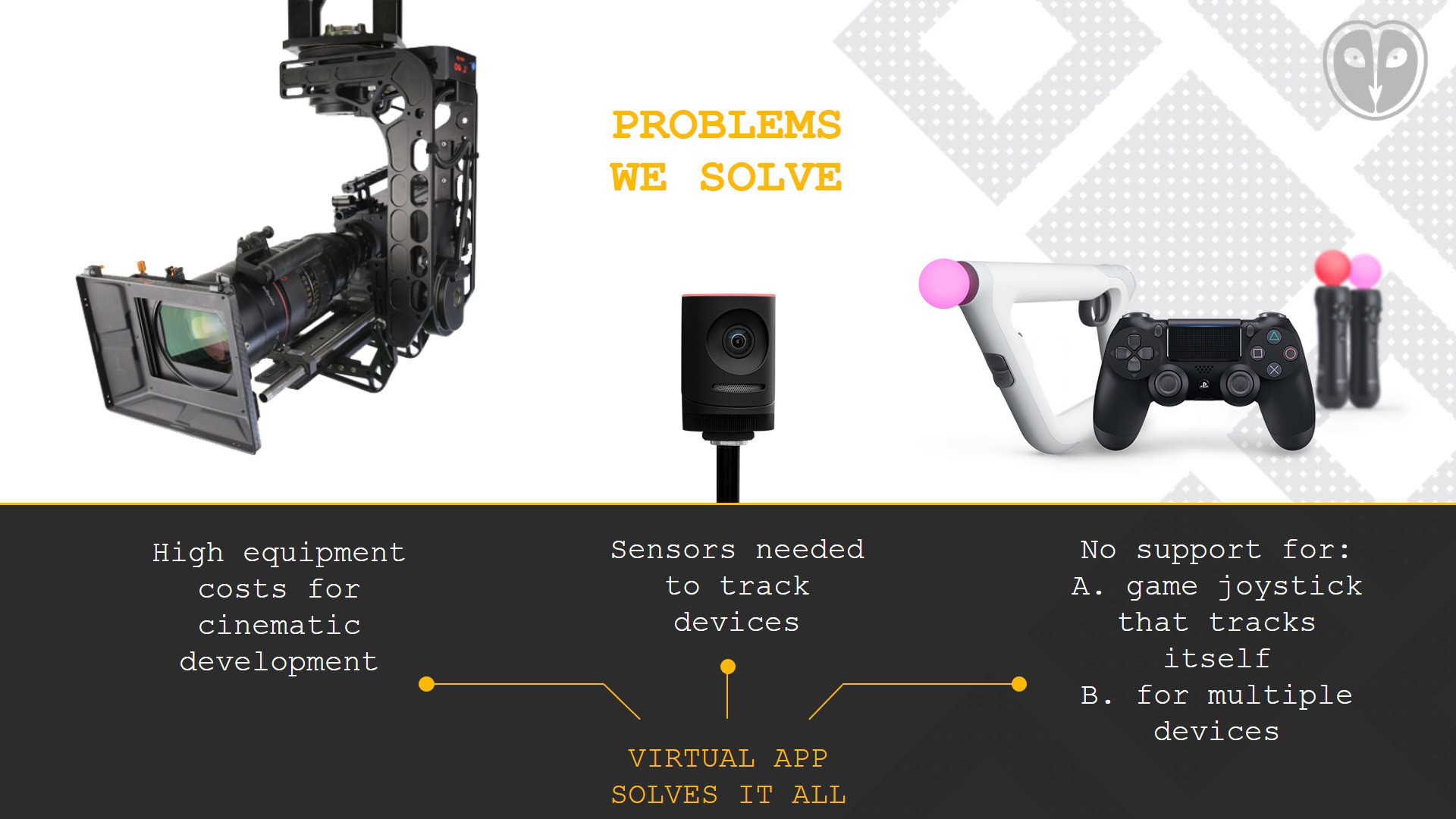
The main idea is to use a smartphone as an additional tool for developers and designers — the user can move any object, camera, blueprint, etc in a game scene in real-time moving the phone. There are no restrictions, you can walk around the room, rotate the phone in all axes, and the selected object will repeat all your movements in the game scene. You only need a smartphone that supports ARCore For the tracking — Forget about sensors and cameras, you don’t need them anymore.
We believe that the phone, as a gadget available to each user, can become a valuable tool in the hands of developers and improve existing models of working with animation, tracking, and cinematic scenes, and overall allow developers to create new game mechanics, where the phone is the next interactive step to continue the gameplay.
We decided to offer open access to the plug-in and its source code so that any developer could independently port our App to any other platform and use it for their work purposes.
We did the same with our Virtual App, it will be free until we can offer the widest possible range of functions and features for users to cover all possible needs for using this technology.
We did the same with our Virtual App, it will be free until we can offer the widest possible range of functions and features for users to cover all possible needs for using this technology.
Soon we will record some video tutorials and will demonstrate the possibilities of using this application. But even now we can say that there can be a huge number of ideas and we gladly let each of you independently test this technology and decide for yourself where and how it will help you in your work and your implementation of a new idea and game mechanics.
We ask everyone who is interested in this technology to try it, leave a review, offer, or to take part in the development of a technology that is aimed at changing game standards for game dev.
We use cookies on our website to give you the most relevant experience by remembering your preferences and repeat visits. By clicking “Accept All”, you consent to the use of ALL the cookies. However, you may visit "Cookie Settings" to provide a controlled consent.
This website uses cookies to improve your experience while you navigate through the website. Out of these, the cookies that are categorized as necessary are stored on your browser as they are essential for the working of basic functionalities of the website. We also use third-party cookies that help us analyze and understand how you use this website. These cookies will be stored in your browser only with your consent. You also have the option to opt-out of these cookies. But opting out of some of these cookies may affect your browsing experience.
Necessary cookies are absolutely essential for the website to function properly. These cookies ensure basic functionalities and security features of the website, anonymously.
Cookie
Duration
Description
cookielawinfo-checkbox-analytics
11 months
This cookie is set by GDPR Cookie Consent plugin. The cookie is used to store the user consent for the cookies in the category "Analytics".
cookielawinfo-checkbox-functional
11 months
The cookie is set by GDPR cookie consent to record the user consent for the cookies in the category "Functional".
cookielawinfo-checkbox-necessary
11 months
This cookie is set by GDPR Cookie Consent plugin. The cookies is used to store the user consent for the cookies in the category "Necessary".
cookielawinfo-checkbox-others
11 months
This cookie is set by GDPR Cookie Consent plugin. The cookie is used to store the user consent for the cookies in the category "Other.
cookielawinfo-checkbox-performance
11 months
This cookie is set by GDPR Cookie Consent plugin. The cookie is used to store the user consent for the cookies in the category "Performance".
viewed_cookie_policy
11 months
The cookie is set by the GDPR Cookie Consent plugin and is used to store whether or not user has consented to the use of cookies. It does not store any personal data.
Functional cookies help to perform certain functionalities like sharing the content of the website on social media platforms, collect feedbacks, and other third-party features.
Performance cookies are used to understand and analyze the key performance indexes of the website which helps in delivering a better user experience for the visitors.
Analytical cookies are used to understand how visitors interact with the website. These cookies help provide information on metrics the number of visitors, bounce rate, traffic source, etc.
Advertisement cookies are used to provide visitors with relevant ads and marketing campaigns. These cookies track visitors across websites and collect information to provide customized ads.